My Custom Bot is offline
Your Custom Bot is offline or does not answer? Check the Message Content and Server Members intents, the token and the invitation.
Updated Oct 30, 2026 · 1 min read
A Custom Bot is your own bot, run for you. If it is offline or silent, check these points.
Check the intents
- Open the Discord Developer Portal and pick your bot.
- Open Bot, then Privileged Gateway Intents.
- Turn on Message Content Intent and Server Members Intent, then save.
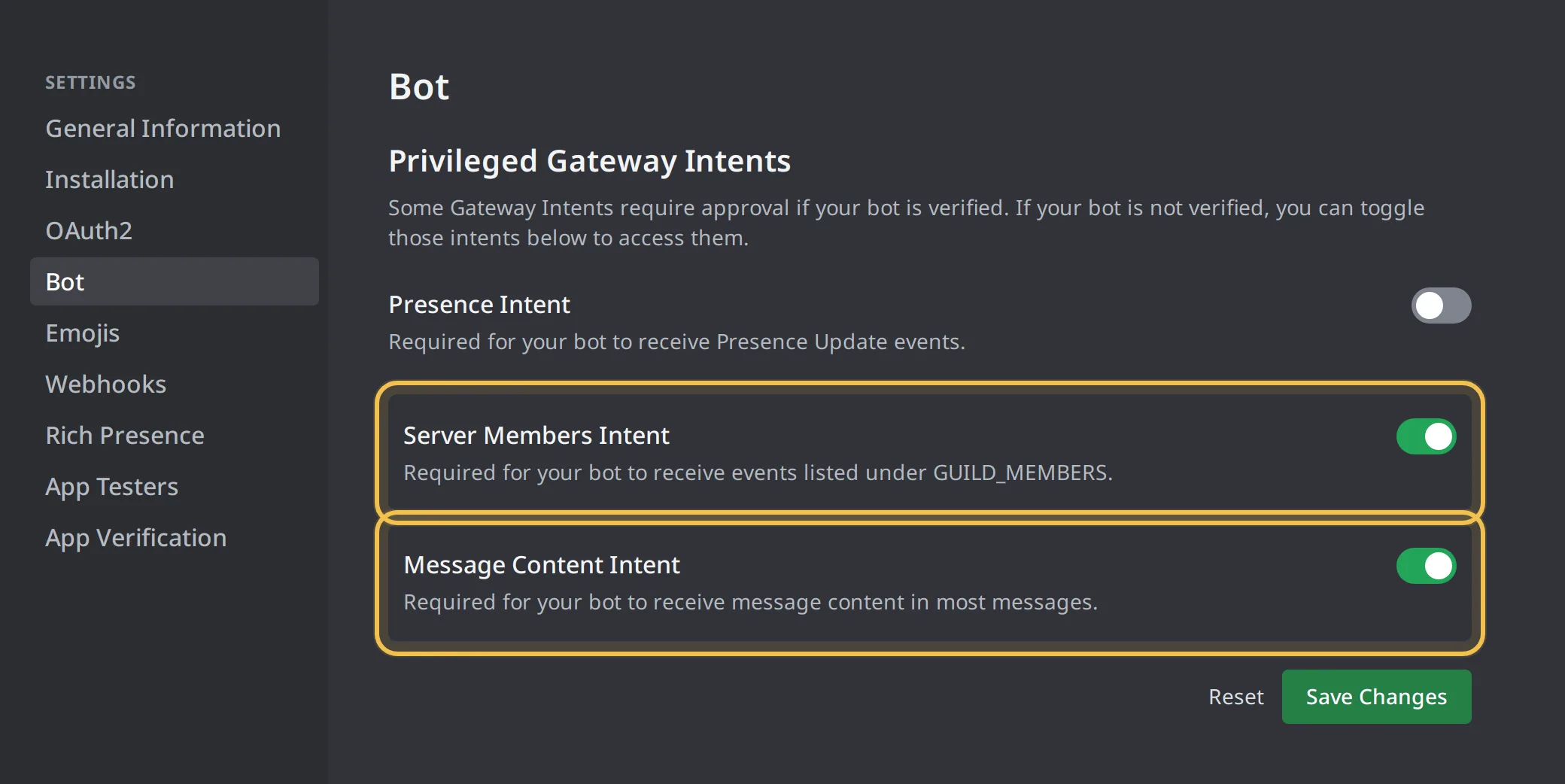 Privileged Gateway Intents
- Restart the bot from Custom Bot.
See Message Content intent and Server Members intent.
Check the token
If the token is invalid, reset it in the Developer Portal and paste the new one in Custom Bot.
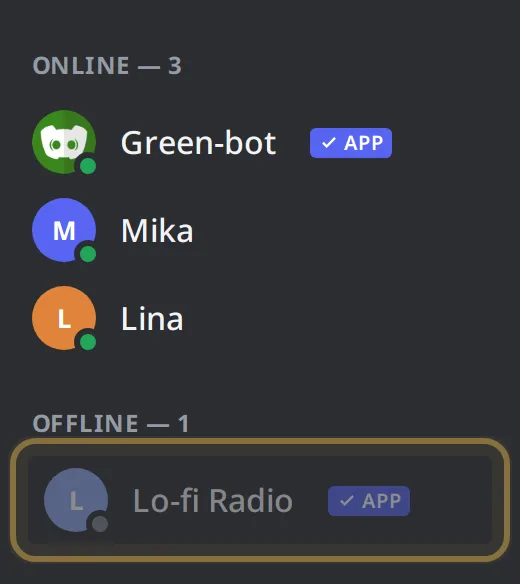 Custom Bot page
Check that the bot is in your server
If the bot is not in your server, add it with its invitation link. See Why isn't the bot on my server?.
Start the bot
If the dashboard says that your Custom Bot is offline, open Custom Bot, start it, then press Retry in the dashboard.
No active plan
If the dashboard says that the server has no active Custom Bot plan, open Custom Bot and check your plan.
Still stuck? Ask on the support server.
Was this helpful?