The Activity won't open
The Green-bot Activity does not start? Start it from a voice channel, accept Discord's authorization window and press Retry.
Updated Oct 30, 2026 · 1 min read
The Activity is the Green-bot player inside Discord. It starts from a voice channel of a server.
Start it from a voice channel
- Join a voice channel of a server.
- Click Activities (the rocket button).
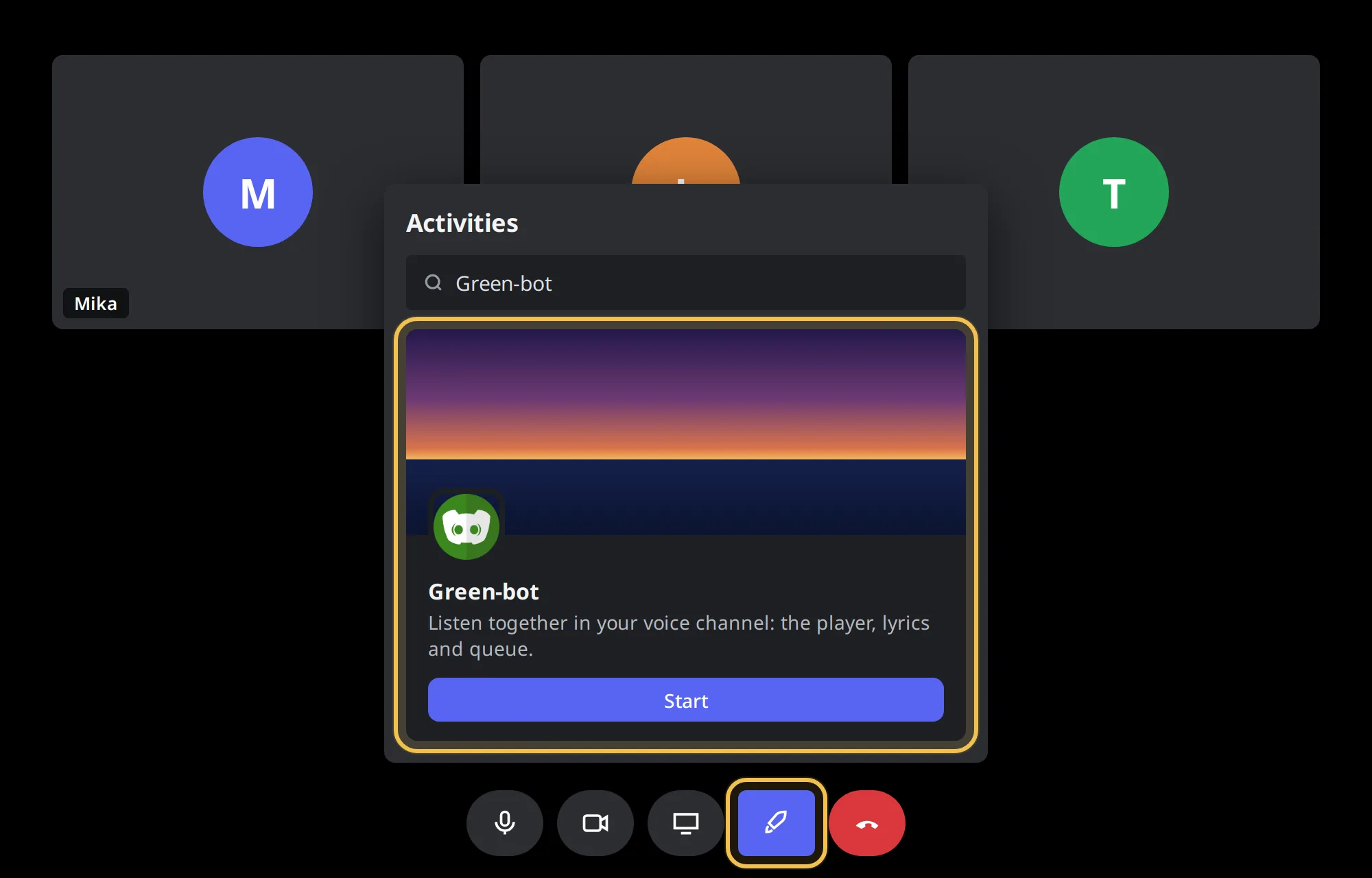 Activities button
- Pick Green-bot in the list.
Accept the authorization window
- Discord shows a window that asks to authorize the app. Click Authorize.
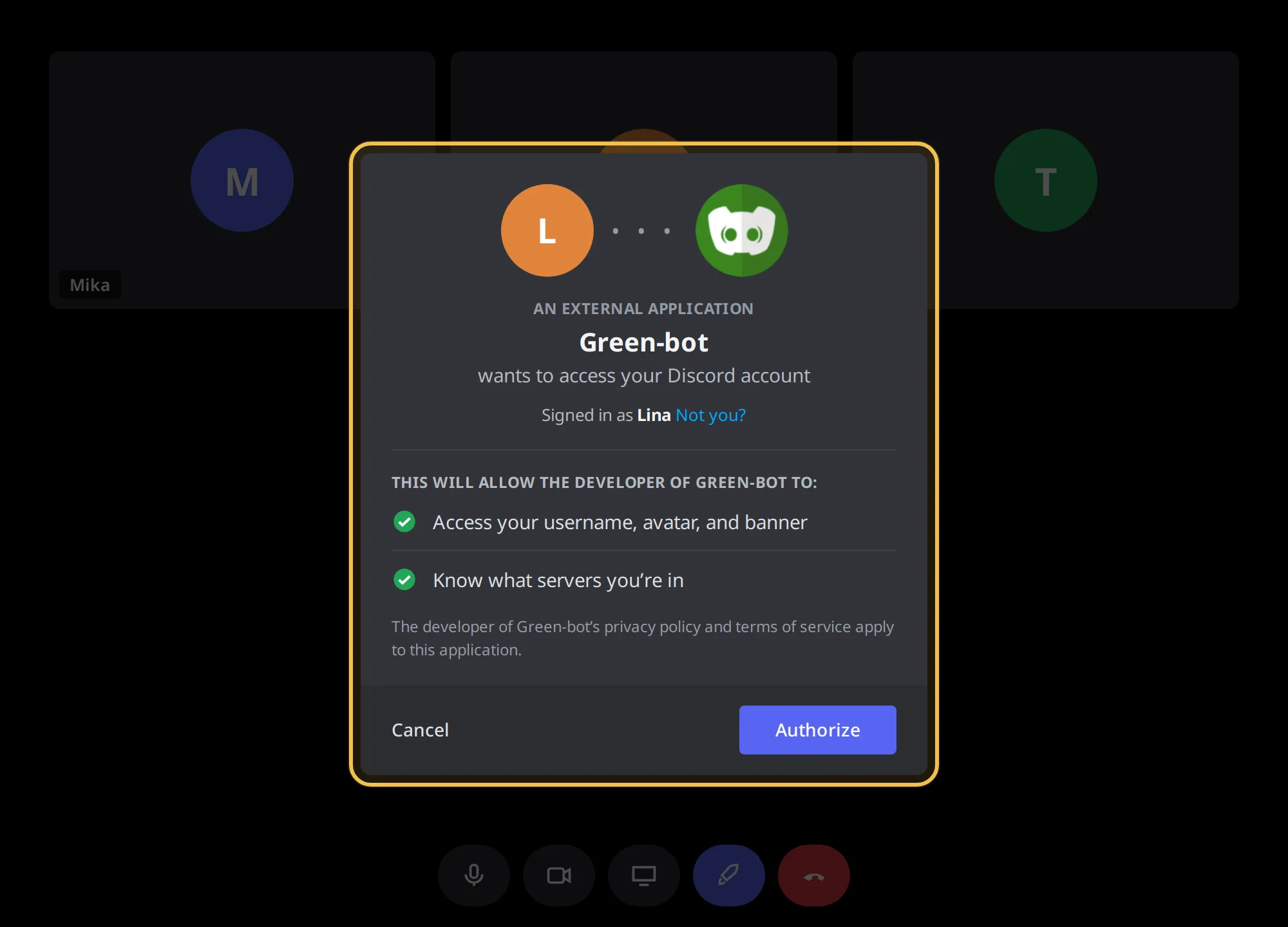 Authorization window
- If no window appears after a few seconds, press Retry.
Stopped on a step
- Press Retry.
- If it keeps happening, close the Activity and start it again from the voice channel.
- Reload Discord with Ctrl+R (Cmd+R on Mac) and try once more.
Opened without Green-bot
If the Activity opens in a server where Green-bot is not present, the player offers to add it. Add it, then come back.
Still stuck? Ask on the support server.
Was this helpful?