A track can't be found or played
A song is skipped, not found or cannot be played? Search with title and artist, paste a link, or try another version.
Sometimes a song cannot be found or played. These steps fix most cases.
No results
- Check the spelling of the title.
- Add the artist name, for example the title followed by the artist.
- Paste a link to the song instead of a name. A link gives an exact match.
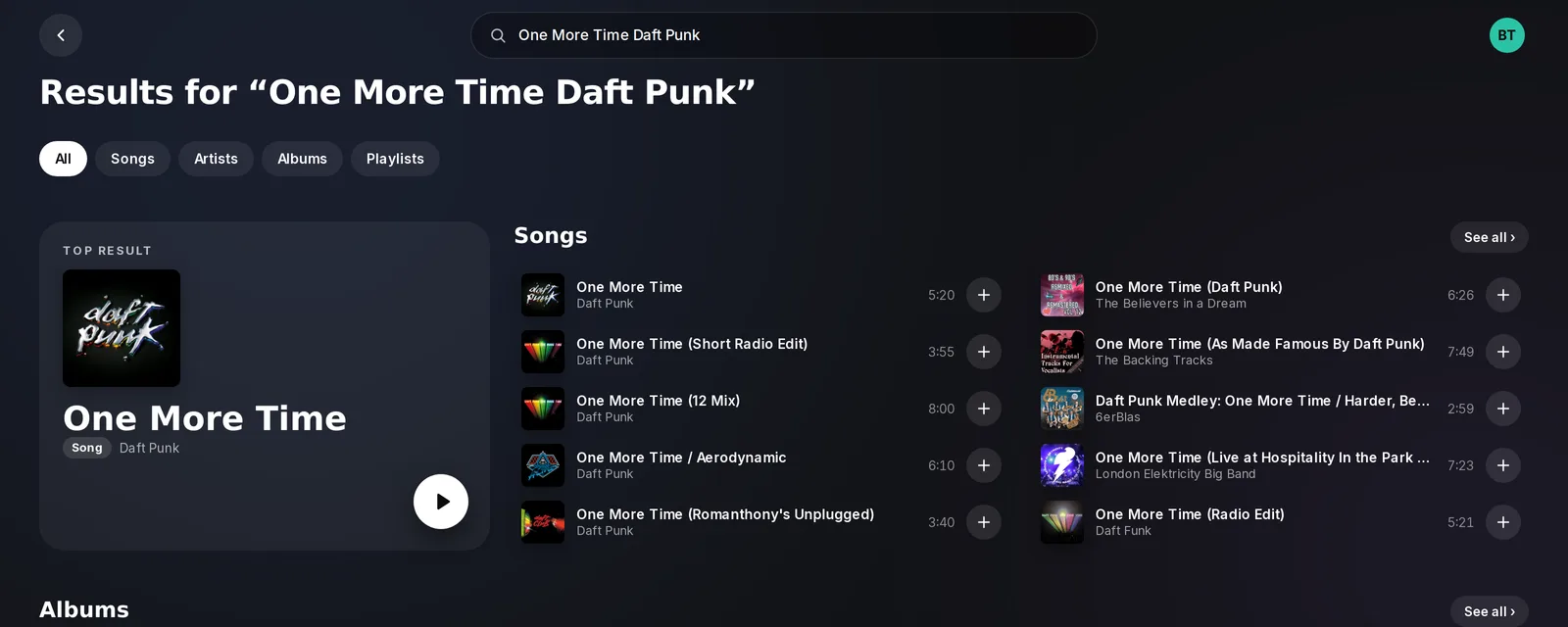 Search with title and artist
You can also use /search to look at the results before you pick one.
"No playable version was found"
Green-bot looked for the song and found no version it can play, so it skipped it.
- Search again with the artist and the title.
- Pick another version of the song.
The song was skipped
Some songs cannot be played, for example when a version was removed or is restricted. Choose another version of the song.
The music source does not answer
If Green-bot says that the music source is not responding, try again in a moment, or use a link from another source.
Playback stopped after repeated errors
Several songs in a row could not be played, so Green-bot stopped.
- Use
/playto start again. - Try a search by title and artist, or another playlist.
- If many songs fail on every server, check the status page.
The queue is full
If Green-bot says that the queue is full, a server limit was reached.
- Remove songs you added with
/remove, or empty the queue with/clearqueue. - Wait for some songs to play.
- A server manager can change the queue settings in the dashboard, in Music settings, under Queue.
/play does not answer
When you use /play, Green-bot first shows "thinking" while it searches for the song, then replaces it with the answer. When something fails, the answer is "Something went wrong. Try again in a moment." or "No audio server is available right now."
If "thinking" stays for a long time with no answer, the search did not finish, for example because the audio server was busy or Green-bot restarted at that moment. Discord ends the wait by itself after a few minutes.
- Wait a minute, then run
/playagain. - Try a link or the title with the artist.
- If it keeps happening, check the status page and ask on the support server.
Still stuck? Ask on the support server.