Custom commands, timers and automation
Create your own commands, post messages on a schedule, and let Green-bot react when something happens on your server.
Updated Oct 30, 2026 · 1 min readCommands/dashboard
Green-bot can answer with your own commands, post messages on a schedule and react to events. Each one has its own page in the dashboard.
Create a custom command
- Use
/dashboardand pick your server. - Open Custom commands.
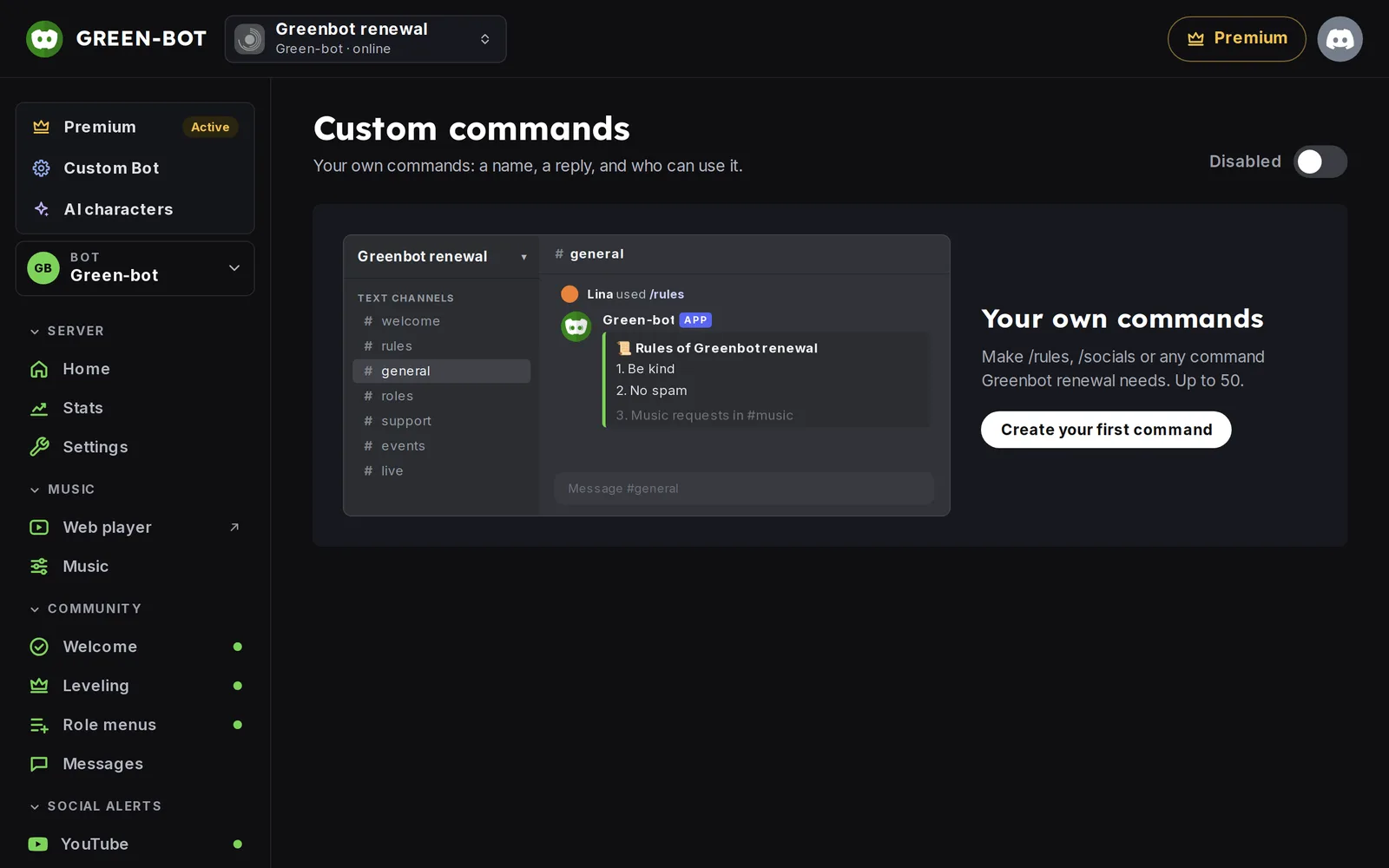 Custom commands
- Add a command. Choose Triggered by: a Slash command or a Keyword.
- Write the Description and the Reply.
- Pick Who can use it. The default is everyone.
- Save. The Preview in Discord shows the reply.
Post a message on a schedule
- Open Timers.
- Add a timer: a Name that only you see, the channel in Post in, how often to Repeat, and the Message.
- Save.
React to events
- Open Automation.
- Add a rule. A rule says: When something happens, If a condition is true, Do an action.
Example: when a member boosts the server, send a thank-you message.
For all options, see Automation rules in depth and Custom commands and timers in depth.
When Green-bot cannot post
See Green-bot can't post or give roles.
Still stuck? Ask on the support server.
Next steps
Was this helpful?