Listening stats and privacy
See your listening stats with /stats, the stats of the server with /serverstats, and turn the tracking of your listening off in Profile › My listening.
Green-bot keeps listening stats for levels, rankings and your history. They are public by default.
See stats
/statsshows your listening stats on the server. Pick another member to see theirs./serverstatsshows the listening statistics of the server.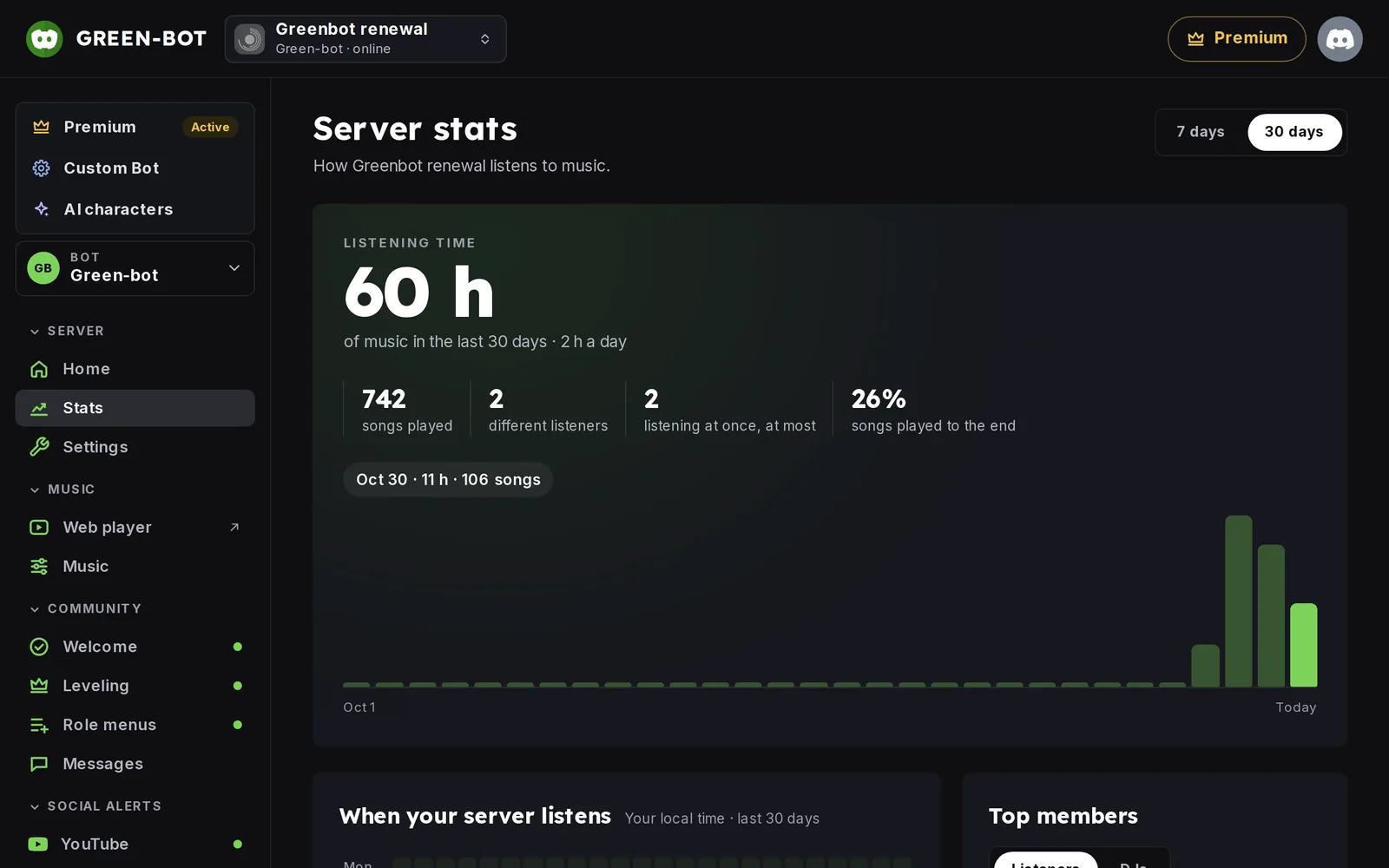 Stats
The same numbers are in the dashboard. See Stats and privacy in depth.
Turn tracking off
Use the « Listening tracking » setting in Profile › My listening to turn the tracking of your listening (history, XP and stats) on or off. It applies on every server.
Server stats and levels are community features. See Levels, XP and /rank.
Still stuck? Ask on the support server.
Next steps
Was this helpful?