Social alerts
Post an alert in your server when a creator goes live or publishes. Alerts for YouTube, Twitch, Kick and Reddit, set up in the dashboard.
Updated Oct 30, 2026 · 1 min readCommands/dashboard
Social alerts post a message in your server when a creator goes live or publishes something.
Add your first alert
- Use
/dashboardand pick your server. - Open Social alerts. It has one page for each platform: YouTube, Twitch, Kick and Reddit.
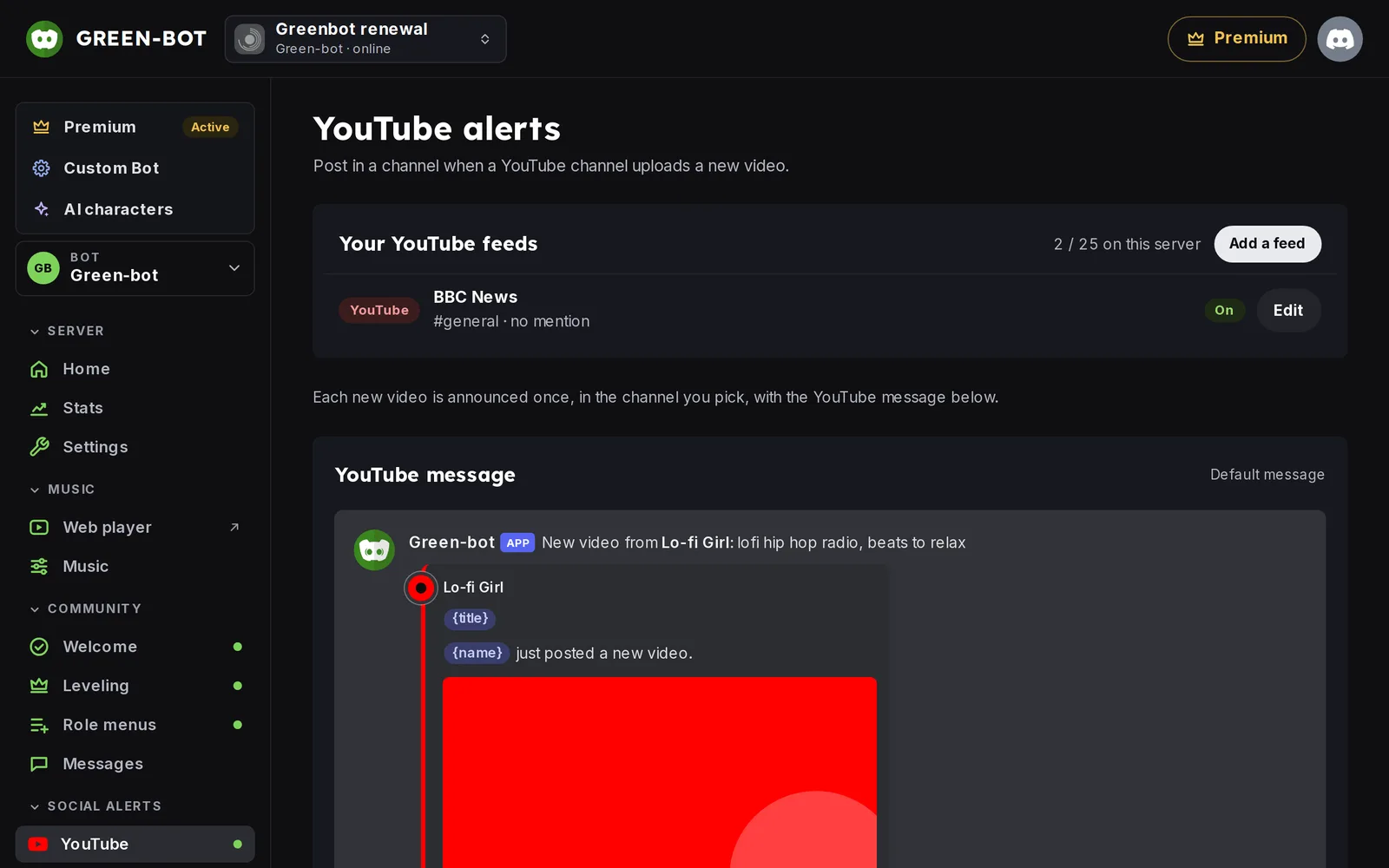 Social alerts
- Click Add a feed.
- Search the creator by name, or paste a link to their page, then pick the right result.
- Pick the channel in Post in.
- Pick who to notify in Mention: no mention, everyone, or a role.
- Click Add feed.
What each platform posts
- YouTube: new videos of a channel. See YouTube alerts.
- Twitch: when a streamer goes live. See Twitch alerts.
- Kick: when a streamer goes live. See Kick alerts.
- Reddit: new posts of a community. See Reddit alerts.
Pause, test or delete a feed
The page Your feeds lists every feed with its channel and its mention, and whether it is active or paused. Click Edit on a feed to:
- Switch it between Active and Paused.
- Click Send a test post to check the channel.
- Click Delete feed.
If an alert does not arrive, see An alert does not arrive.
Still stuck? Ask on the support server.
Next steps
Was this helpful?