Welcome and leave messages
Greet new members with a message, a card and a direct message, give them roles when they join, and say goodbye when they leave.
Green-bot can greet new members the moment they join and say goodbye when they leave. You set it up in the dashboard.
Turn on welcome messages
- Use
/dashboardand pick your server. - Open Welcome messages.
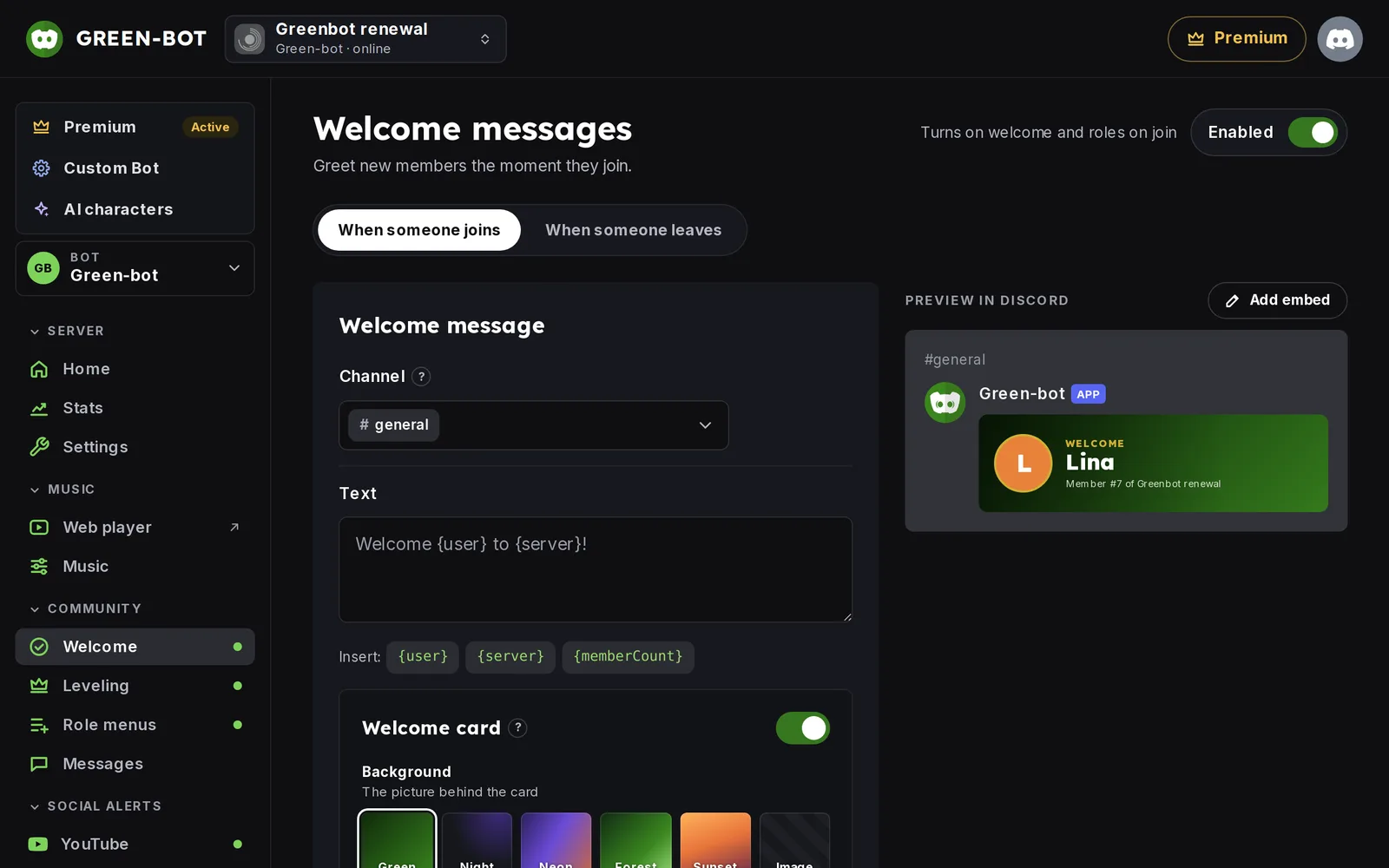 Welcome messages page
- Turn on the Enabled switch at the top right.
The page has two tabs: When someone joins and When someone leaves.
Write the welcome message
- In When someone joins, pick the Channel where the welcome is posted.
- Write the Text. Click a variable to insert it:
{user}is the new member,{server}is the server name and{memberCount}is the number of members. - Check the Preview in Discord on the right.
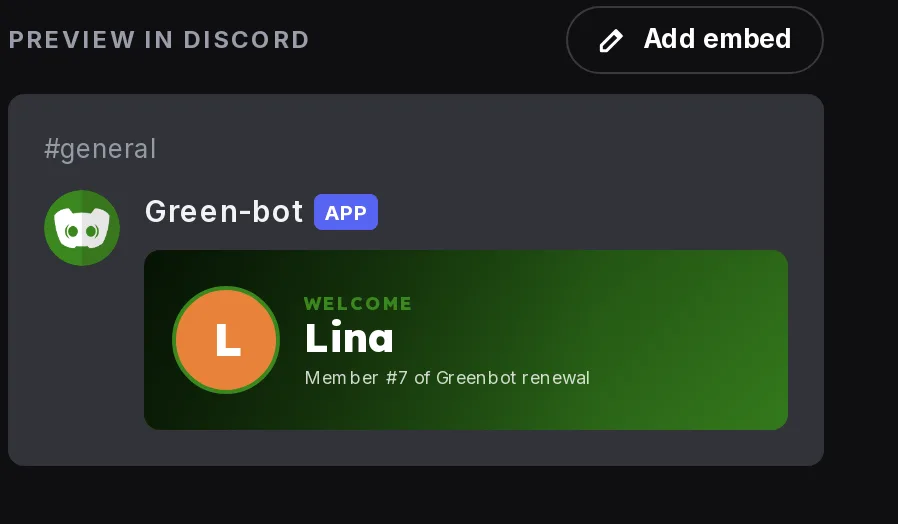 Welcome preview
- Save your changes.
If you leave the text empty and use no card, Green-bot posts a default welcome sentence.
Mention or message the new member
- Mention the new member notifies only the new member, never everyone and never a role.
- Also send by DM sends the same message and card privately.
Give roles on join
Under Roles on join, pick the roles for Members and the roles for Bots. Green-bot gives them when someone joins. For the role rules, see Roles are not given.
Say goodbye
Open When someone leaves, turn on Say goodbye, pick the Channel and write the Text. Mention the member only shows their name: it does not ping them, because they have left.
Test it
Use Send a test in the message editor to make Green-bot post the real message.
For cards, embeds and images, see Welcome and leave messages: cards, embeds and images. If nothing is posted, see The welcome message is not sent.
Still stuck? Ask on the support server.