AI characters (Custom Bot)
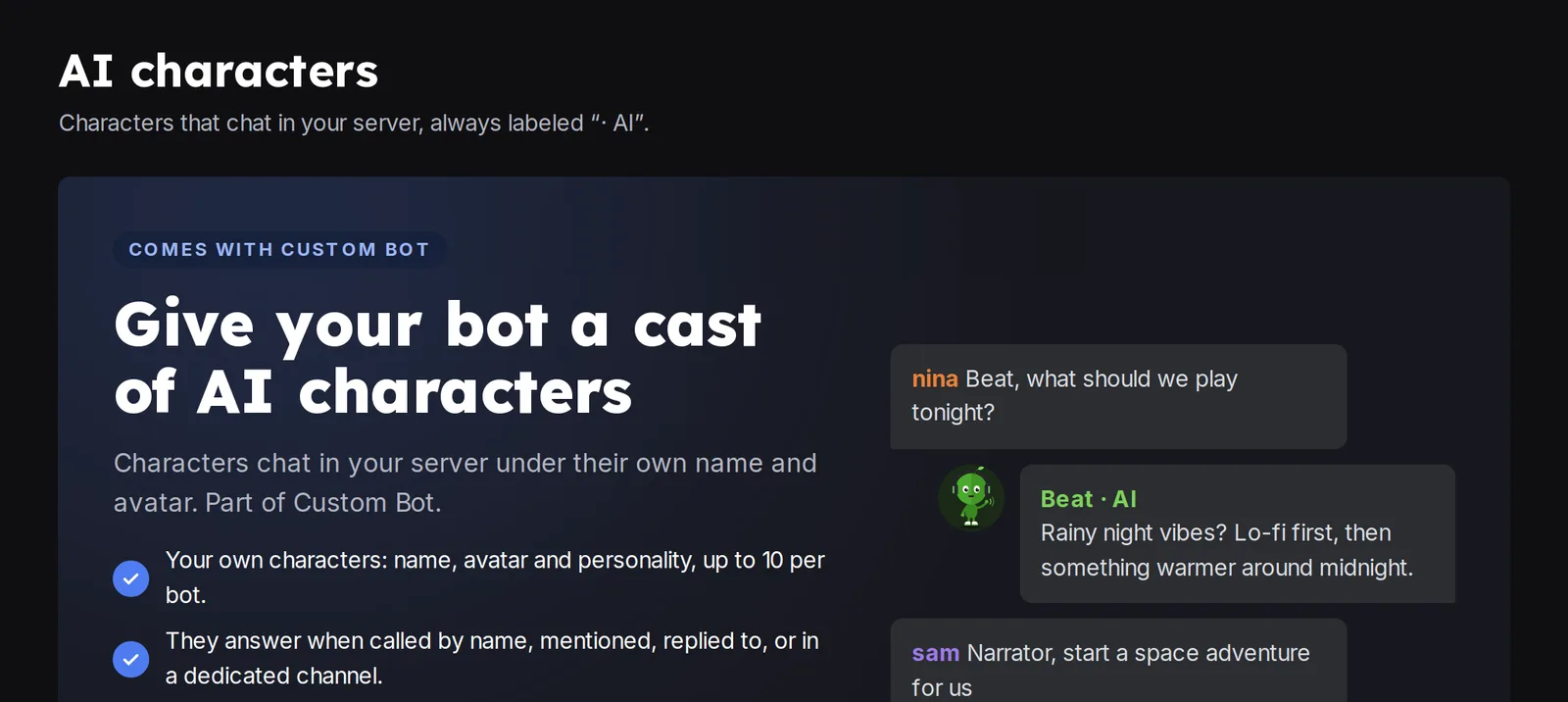
Add AI characters to your Custom Bot. They talk in your channels with their own name and picture. Create and manage them in the dashboard.
AI characters are fictional characters powered by AI. They talk in your channels with their own name and picture. They are part of a Custom Bot.
Create a character
- Use
/dashboardand pick your server. - Open AI characters, then turn them on if the page asks you to.
 AI characters
- Create a character and fill in Who it is: an avatar, a Name and a Personality.
- In Where it talks, pick the Channels where it answers.
- Save.
Talk to a character
A character answers when you call it by name, mention it, reply to it, or write in a Dedicated channel. Every reply is labeled “· AI”. Use /characters in Discord to open the characters of the channel.
You can also talk to a character with /talk: pick the character (the list shows the characters of the channel) and write your message. The question is shown with the character's name and the answer comes from the character. /talk works even when your Custom Bot cannot read messages: if the Message Content intent is off, the dashboard offers Turn on with /talk only, and the character then answers only to /talk.
Test it
Use the Live test in the editor to chat with the saved version before members do.
For names, examples and images, see AI characters in depth. If a character does not answer, see Why can't the character talk?.
Still stuck? Ask on the support server.