Keep Green-bot in the channel 24/7
Use 24/7 mode so Green-bot stays in your voice channel, even when it is empty. 24/7 comes with a Premium server.
Updated Oct 30, 2026 · 1 min readCommands/247
In 24/7 mode, Green-bot stays in your voice channel, even when nobody is there.
Turn it on
- Join the voice channel where you want Green-bot to stay.
- Use
/247.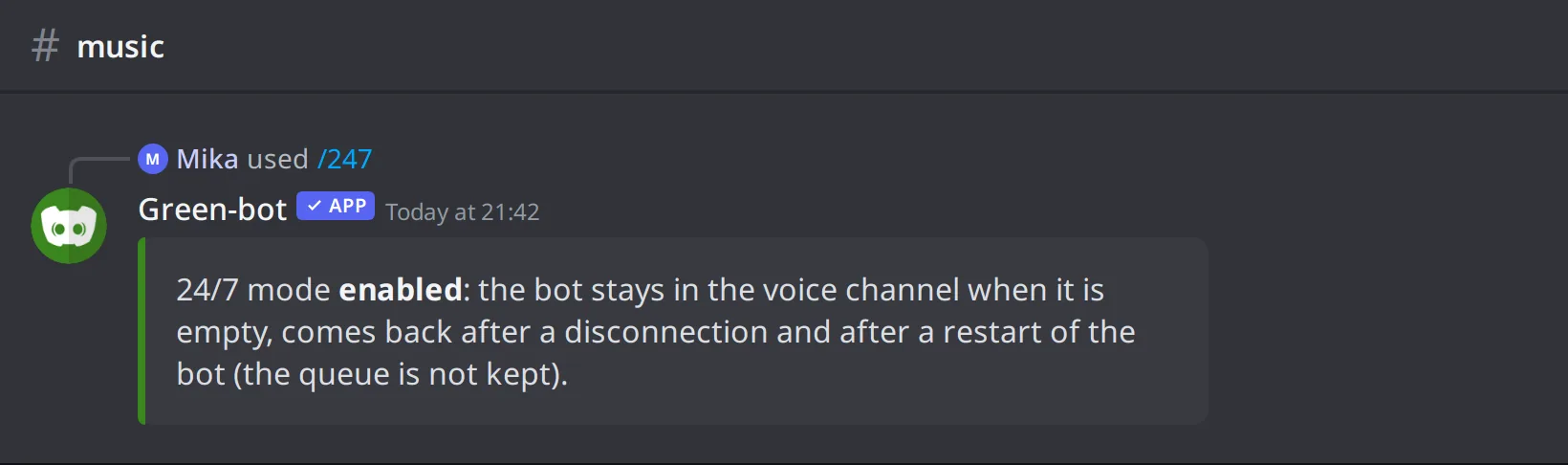 The /247 command
Use /247 again to turn it off. A server manager can also turn it on or off in the dashboard, in Music settings, under Playback, with 24/7 mode.
Premium
24/7 mode comes with a Premium server: Pro Server or a Custom Bot. See the Premium page.
After a restart
After a restart of Green-bot, the music can resume by itself, with the queue, if someone is still in the voice channel.
Using Green-bot as a radio
If a listener alone in voice can use the DJ controls, turn that option off for a radio. See DJ role and who can control the music.
Still stuck? Ask on the support server.
Next steps
Was this helpful?