Volume and audio filters
Understand the three volumes (Discord user volume, player volume, default volume) and turn audio filters on or off.
Three volumes can change what you hear.
Player volume
The player volume is for everyone in the channel. Use /volume or the speaker under the play buttons of the player.
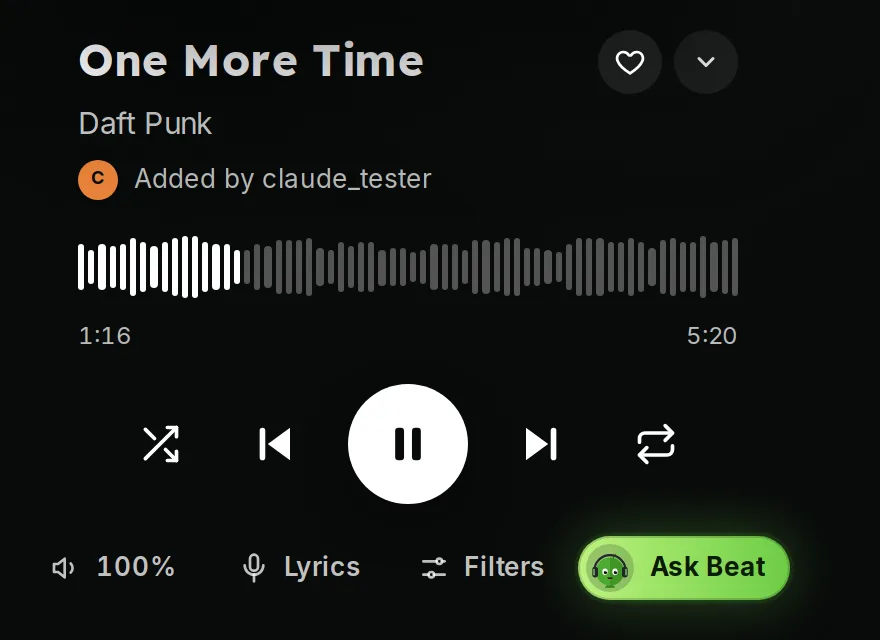 Player volume
Your Discord volume for the bot
Right-click Green-bot in the voice channel and move User Volume. It changes only what you hear. See No sound.
Default volume
A server manager sets the volume used when the bot joins in the dashboard, in Music settings, under Playback, with Default volume.
Audio filters
Use /filter to turn an audio filter on or off. If the sound seems strange, turn the filter off.
Some audio features come with Premium. See Why does a command ask for Premium.
Still stuck? Ask on the support server.
Next steps
Was this helpful?