Play your first song
Join a voice channel, use /play with a song name or a link, and control the music with the Now playing card.
Updated Oct 30, 2026 · 1 min readCommands/back/leave/np/pause/play/playskip/playtop/resume/search/skip/stop
Green-bot plays music in the voice channel you are in.
Play a song
- Join a voice channel of your server.
- Type
/playin any text channel where Green-bot can post. - Enter a song name or paste a link, then press Enter.
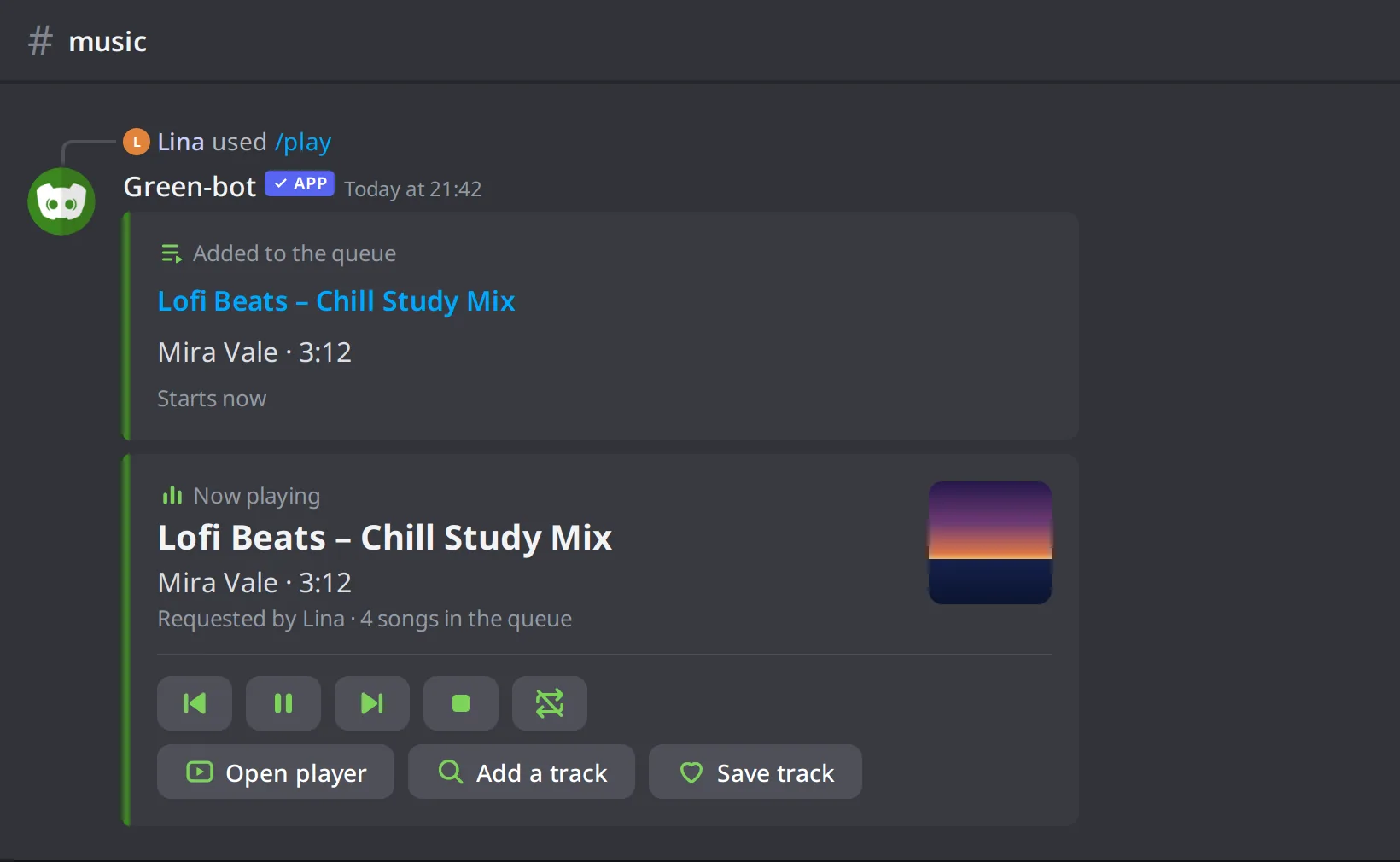 The /play command
Green-bot joins your channel and starts the music.
Choose when it plays
Three commands add a song in different places:
/playadds the song at the end of the queue./playtopadds the song at the top of the queue, so it plays next./playskipadds the song and skips to it right away.
Control the music
/pauseand/resumepause and resume the music./skipgoes to the next song./backplays the previous song./stopstops the music./leavemakes Green-bot leave the voice channel./npshows the song that is playing.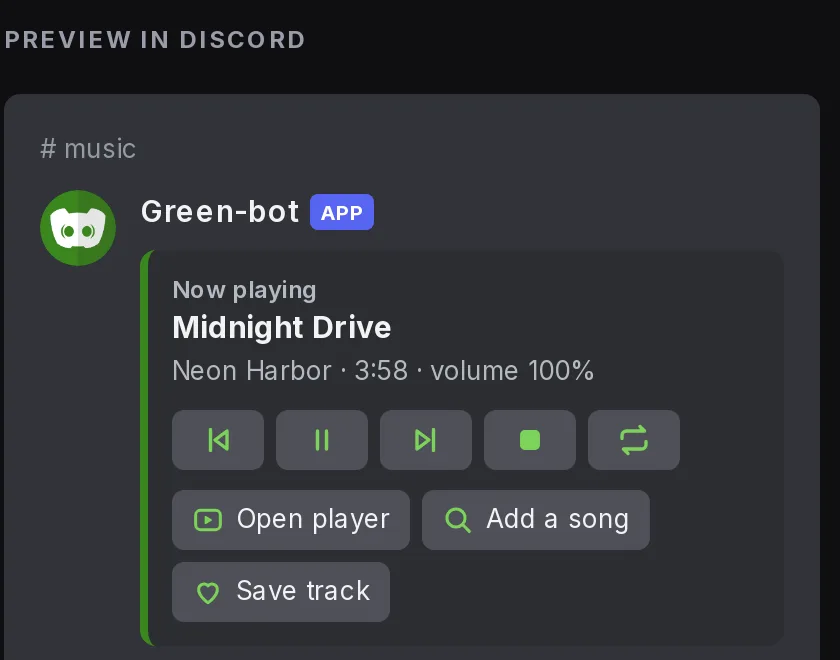 Now playing card
See The Now playing card and its buttons and Manage the queue.
Search before you play
Use /search to look at the results and pick the one you want.
Still stuck? Ask on the support server.
Next steps
Was this helpful?