Manage the queue
See, reorder, remove, clear and shuffle the queue, jump to a song, and let autoplay keep the music going.
The queue is the list of songs that play next.
See the queue
Use /queue in Discord, or open the queue in the web player.
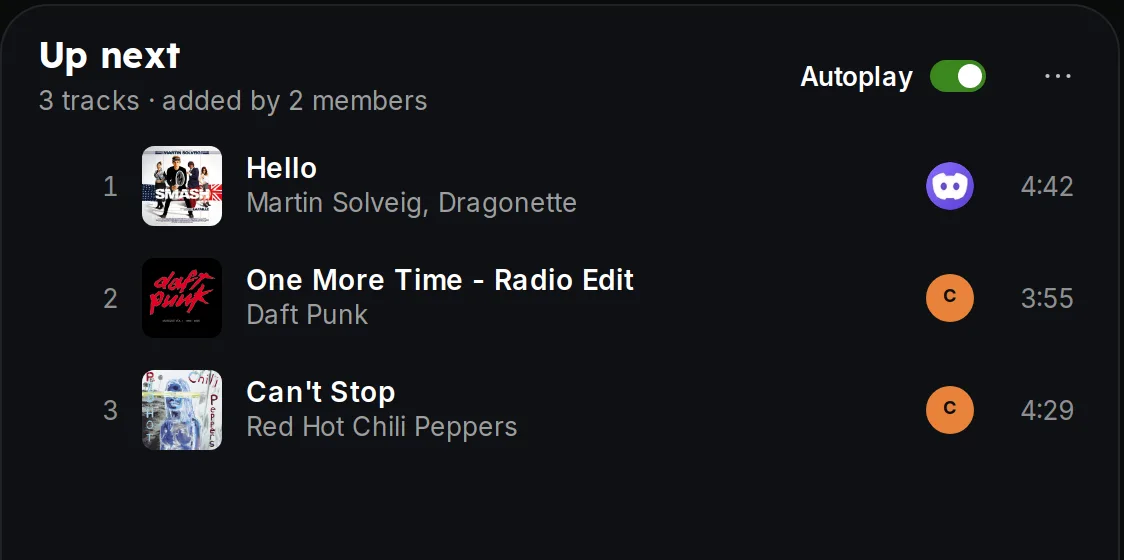 Queue in the player
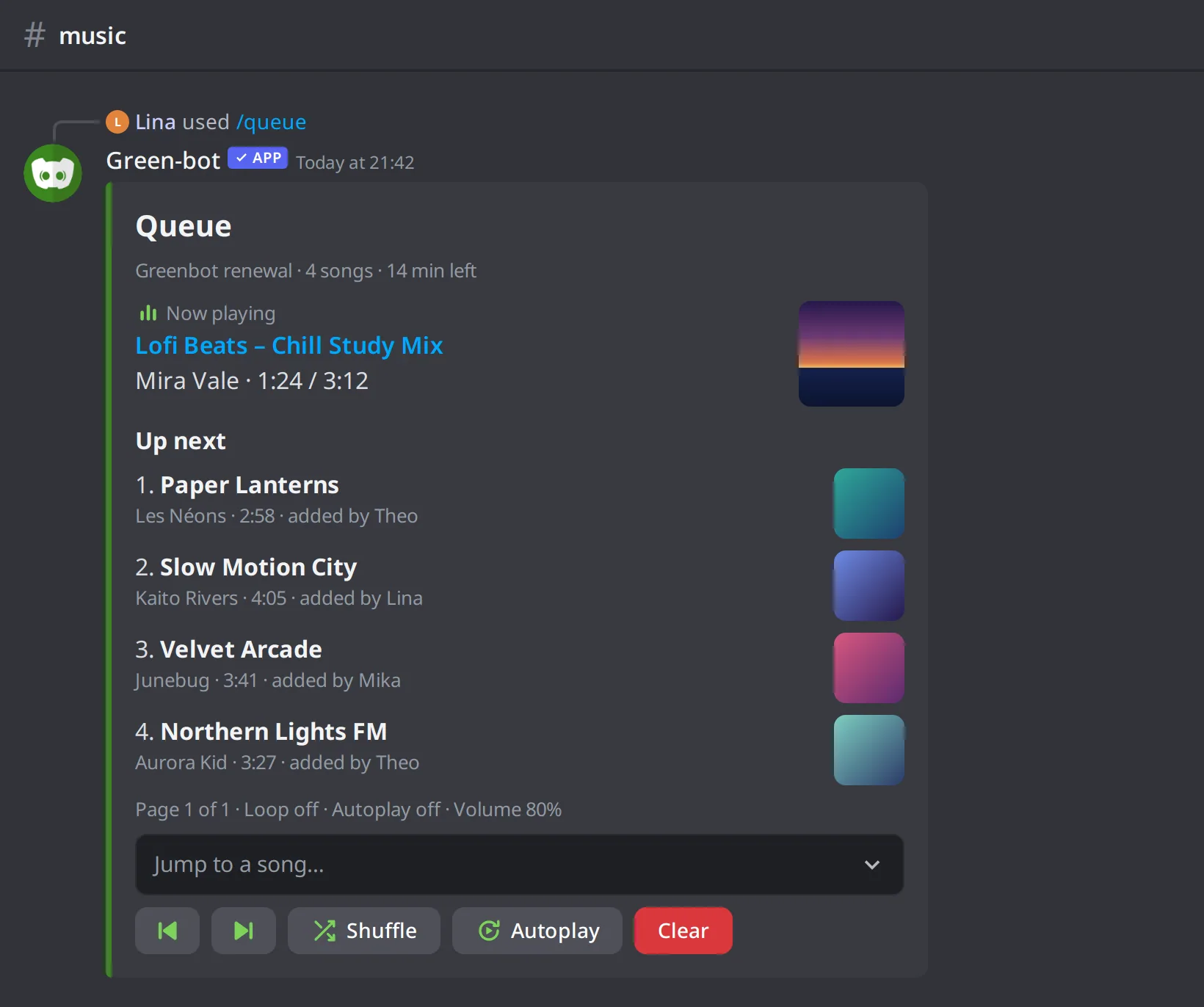 The /queue command
Add songs
Use /play to add a song at the end, /playtop to add it at the top, or /playskip to add it and skip to it. See Play your first song.
Jump or go back
/jumpgoes to a song of the queue./skipgoes to the next song./backplays the previous song.
Remove songs
/removeremoves a song from the queue./leavecleanupremoves the songs of people who left the voice channel.
Clear the queue
/clearqueue removes every song of the queue. In the web player you can undo the clear.
Shuffle
/shuffle mixes the songs of the queue.
Autoplay
/autoplay turns autoplay on or off. With autoplay on, Green-bot adds similar songs when the queue ends. Server managers can set related options in the dashboard. See Tour of the dashboard.
The queue is full
See A track can't be found or played.
Still stuck? Ask on the support server.