Create and play playlists
Create, edit and play your playlists in the web player. Use /playlist in Discord to open them.
Your playlists live in the web player, in My music. They are the same on every server.
Open your playlists
Use /playlist in Discord. Green-bot sends you a link to your playlists in the web player.
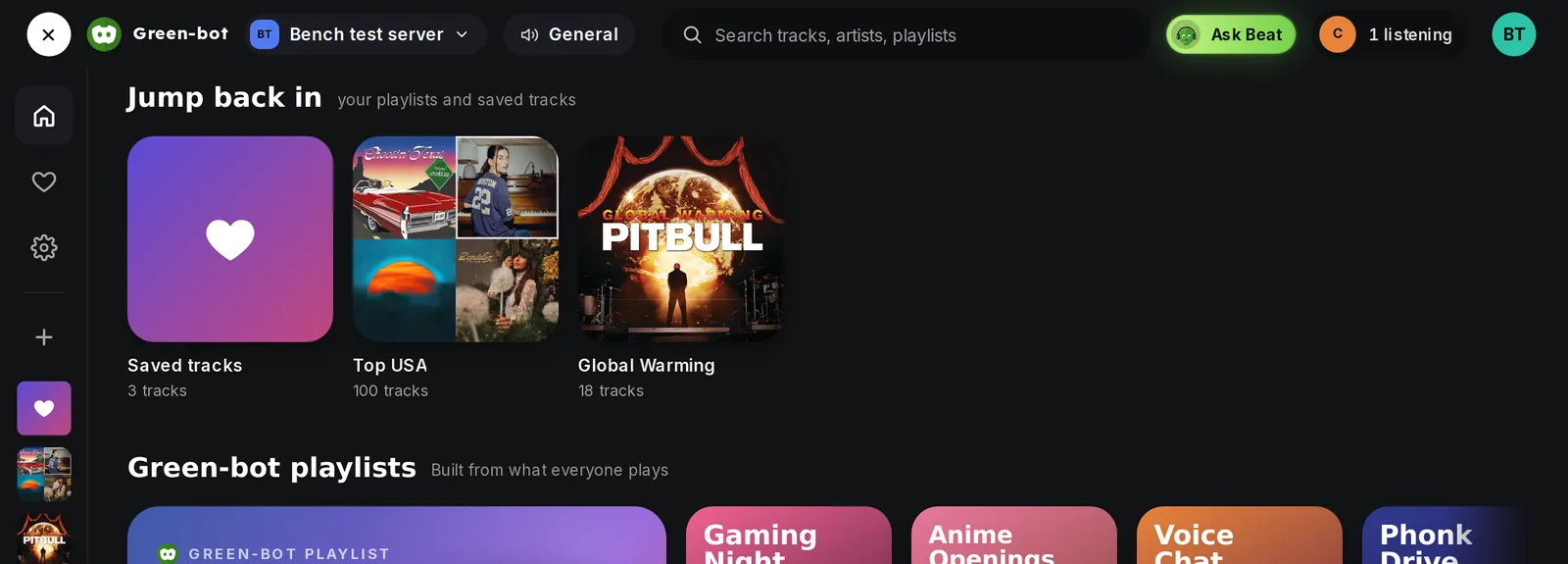 My music page
Playlist commands in Discord
The playlist commands also work in Discord:
/pl-createcreates a playlist and/pl-addadds a song to it./pl-viewshows the songs of a playlist and/pl-listshows all your playlists./pl-playplays a playlist./pl-editrenames a playlist and/pl-removeremoves a song from it./pl-deletedeletes a playlist and/pl-wipedeletes all your playlists./share-playlistshares or stops sharing a playlist with the server members.
Create a playlist
- Open My music in the web player.
- Create a new playlist and give it a name.
- Add songs from the search or from the queue.
Edit a playlist
Open a playlist to rename it, remove songs or delete it.
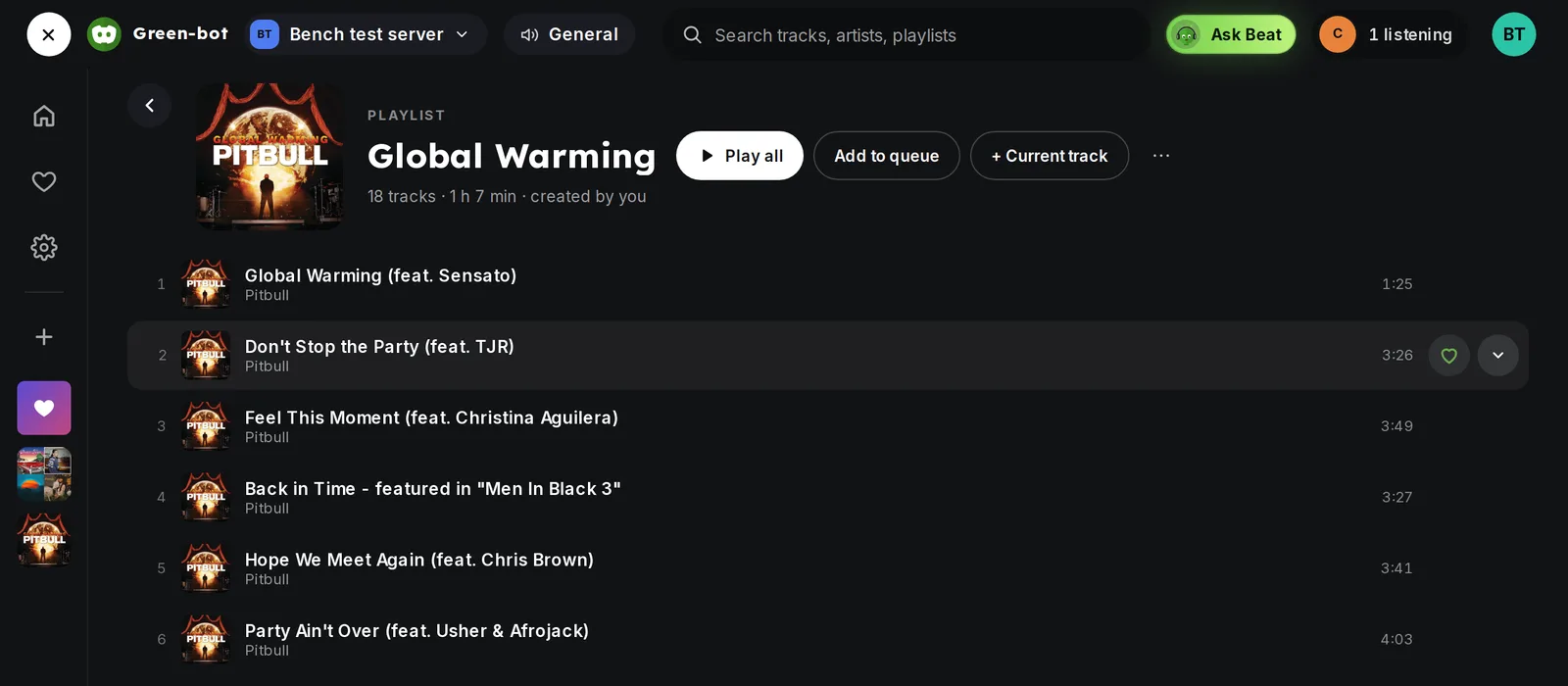 A playlist
Play a playlist
Open a playlist and press play. Green-bot plays in the voice channel you are in. If you are not in one yet, the player shows "Join a voice channel to start it": join a voice channel of the server and the music starts there.
Your library is full
If the player says that your library is full, delete a playlist or remove songs you do not need. See Why is my library full?.
Still stuck? Ask on the support server.