The Now playing card and its buttons
Use the Now playing card to see the current song and control the music with buttons, or open the web player from it.
Updated Oct 30, 2026 · 1 min readCommands/np
Green-bot shows a card for the song that is playing.
Show the card
Use /np to show the song that is playing.
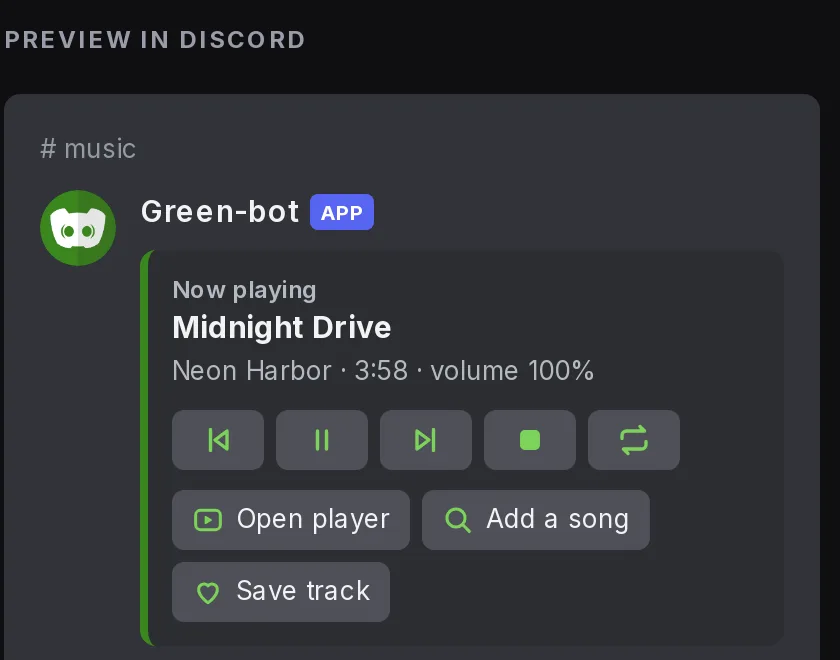 Now playing card
Use the buttons
The card has a first row of buttons to go back, pause or resume, skip, stop and change the repeat mode. A second row has Open player, which opens the player (the Activity, or the web player), and a button to add a track.
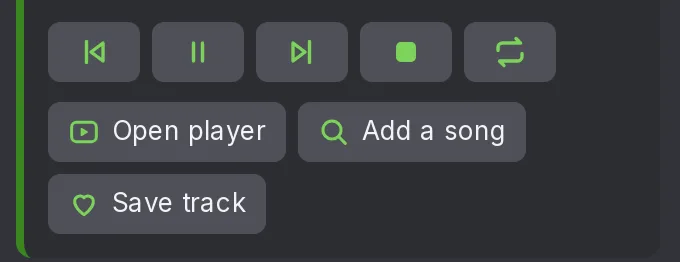 Card buttons
The buttons do not answer
- Join the voice channel where Green-bot plays. The buttons work only for people in that channel.
- If your server uses DJ mode, only DJs can use some buttons. See DJ role and who can control the music.
- Use
/npto get a new card.
Turn the buttons on or off
A server manager can turn the buttons off in the dashboard, in Music settings, under Playback, with Show buttons on messages.
Still stuck? Ask on the support server.
Next steps
Was this helpful?