Manage or cancel your subscription
Open your account Premium page to manage billing, change plan, cancel a Pro Server or read your invoices.
Updated Oct 30, 2026 · 1 min read
You manage your plans on the Premium tab of your account.
Open your plans
- Log in to the Green-bot website with Discord.
- Open the menu of your avatar, then your Premium tab.
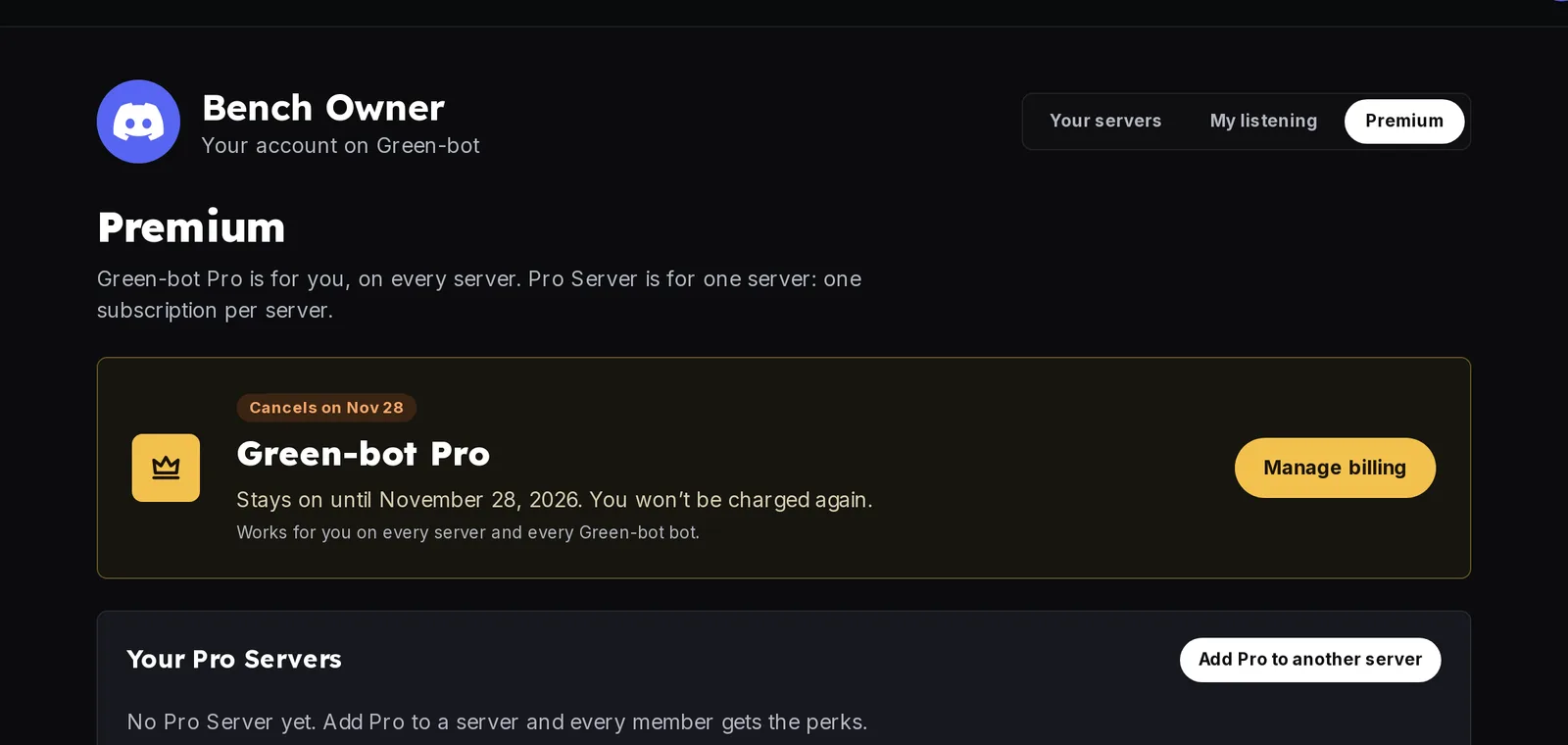 Account Premium tab
Manage billing
Green-bot Pro has Manage billing and Change plan. Each Pro Server has Manage and Cancel. They open a secure billing page. Your invoices are listed on the same tab.
Cancel
- Open the plan you want to cancel.
- Click Cancel and confirm on the billing page.
Refund rules are in the Refund policy of the website.
Still stuck? Ask on the support server.
Was this helpful?