Move a Custom Bot to another server
Move your Custom Bot to another server right away, with no waiting. Pick the new server and invite the bot.
Updated Oct 30, 2026 · 1 min read
You can move your Custom Bot to another server. The move is immediate.
Move the bot
- Open Custom Bot in the dashboard.
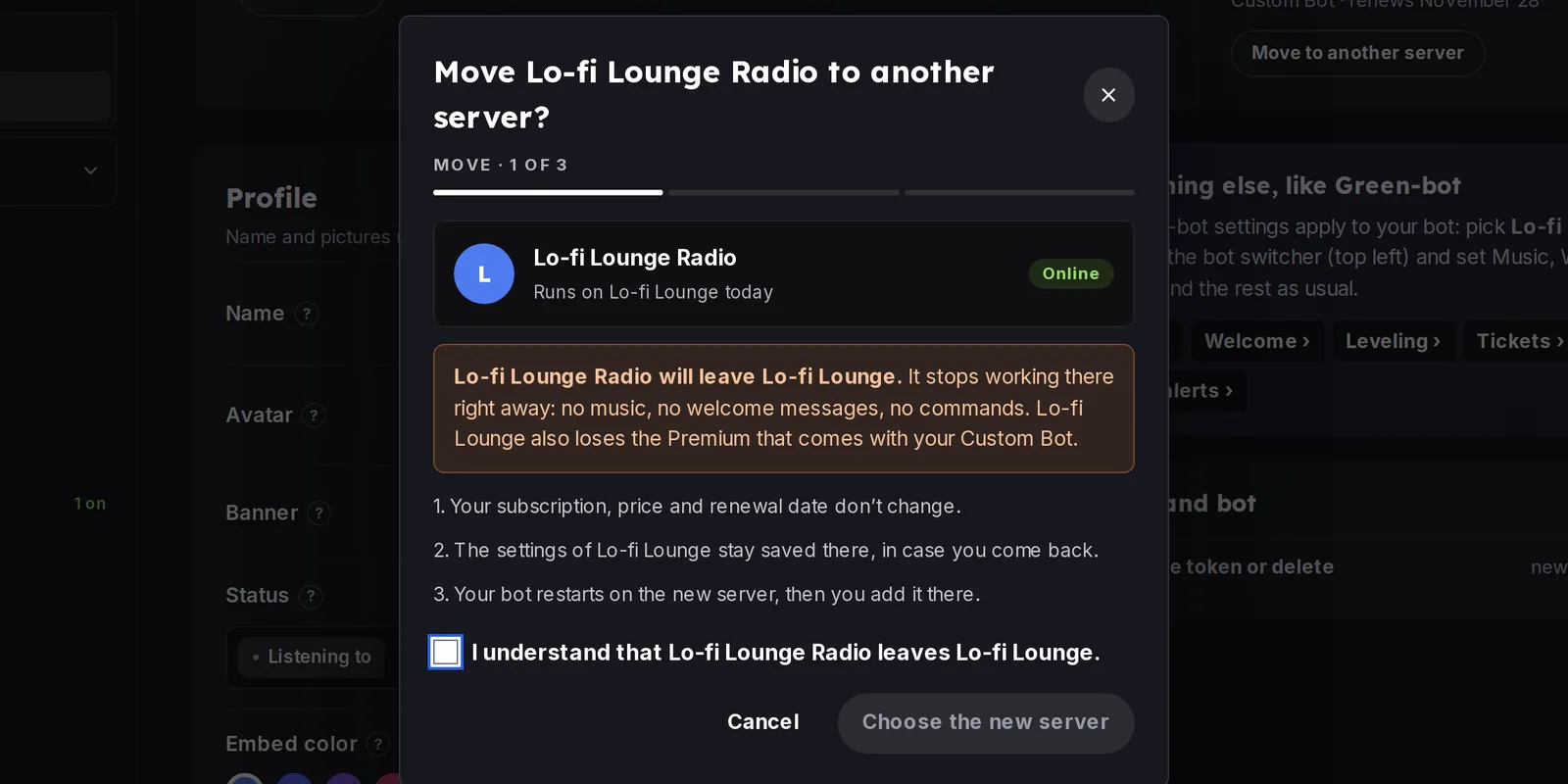 Move a Custom Bot
- In the license panel, click Move to another server and pick the new server.
- Authorize the bot on the new server, as in Set up your Custom Bot.
Then start the bot if it is not online.
Still stuck? Ask on the support server.
Next steps
Was this helpful?